Every video.
Just play.
MKV, HEVC, AV1, WebM, FLV, RMVB — Apus plays them as they are, with nothing to convert. Subtitles, audio tracks and Picture in Picture included, all controlled with a tap or a swipe.
Features
The whole screen
is the remote.
No tiny buttons to hunt for. Tap, swipe or hold anywhere on the video — pick a gesture below to see where it works.

Play, pause and skip 10 seconds from the Lock Screen and Control Center too. Unplugging headphones pauses playback.
Features
Everything a player needs.
Nothing it doesn't.
Plays what you already have.
Common formats and odd ones alike play straight away, up to 4K and HDR. No converting, no codec packs, no “unsupported file”.
 4K HDR

 HDR
HDR

A library that looks like your videos.
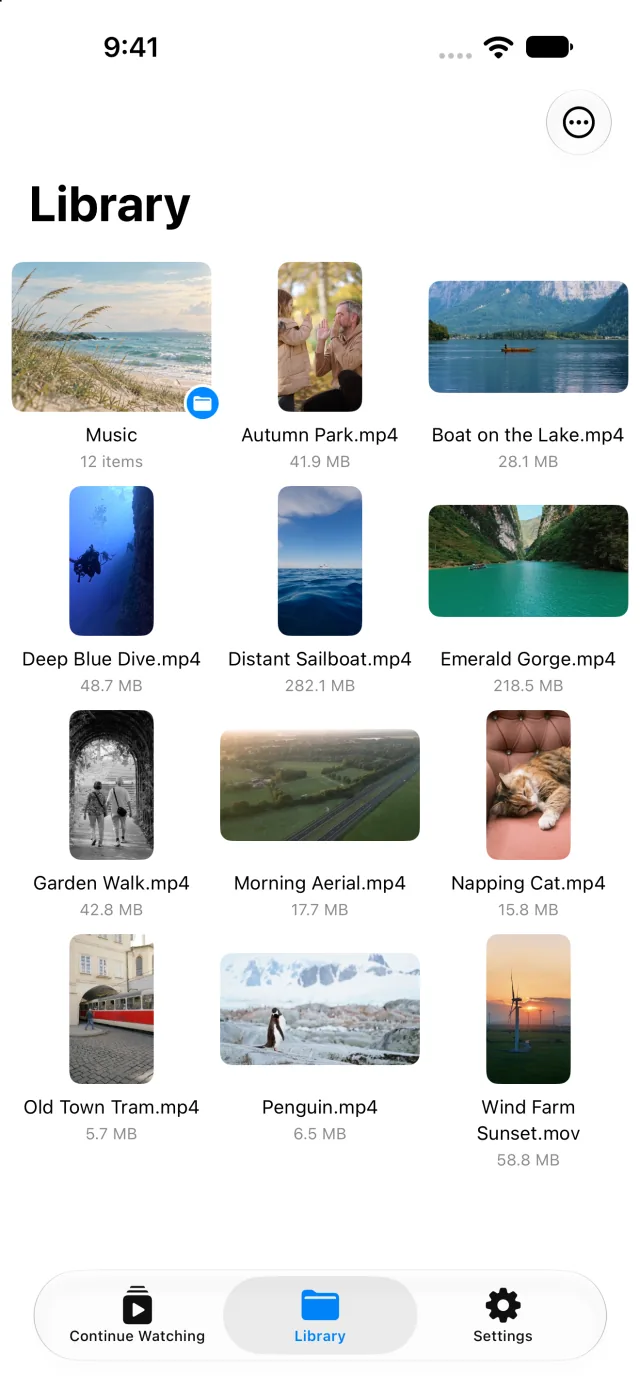
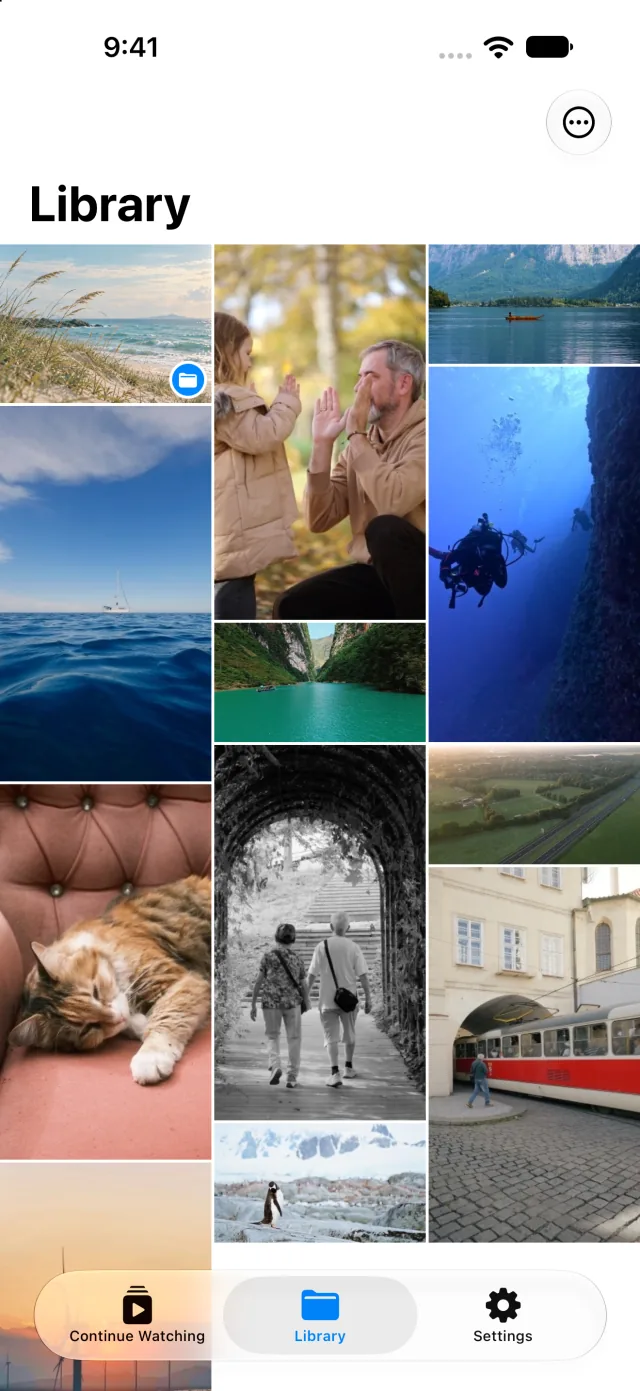
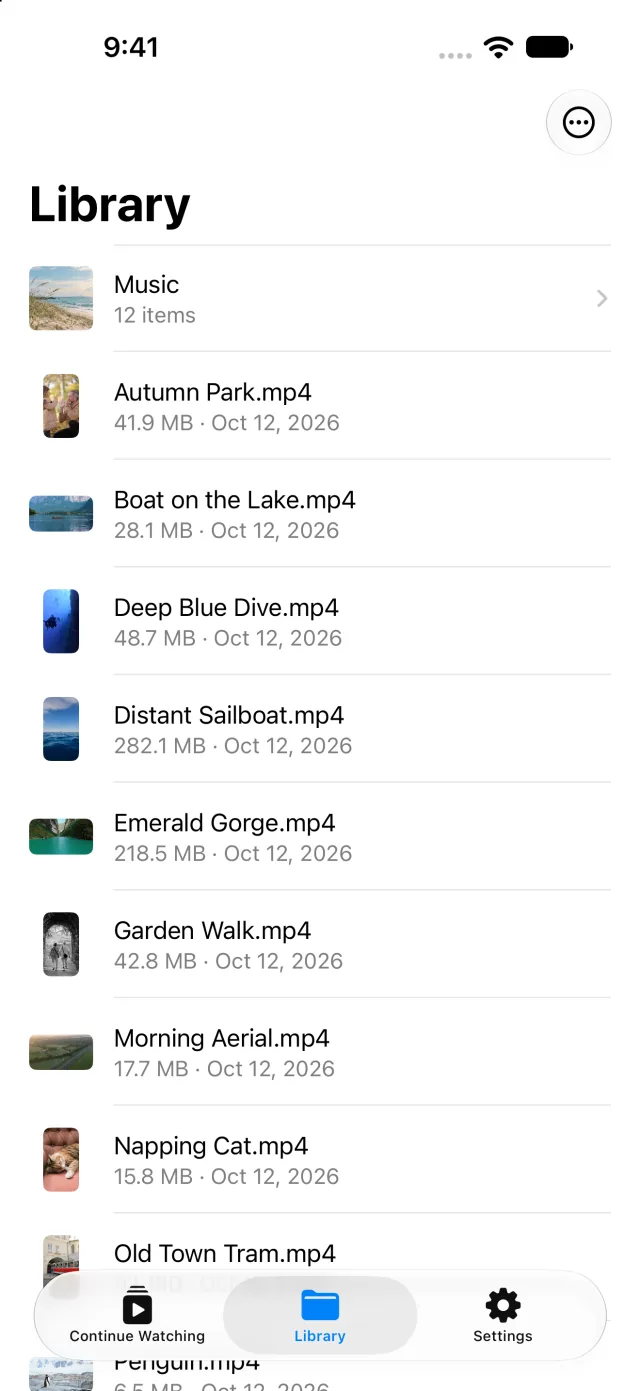
Nest folders as deep as you like and browse them as icons, a waterfall or a list — pinch to resize. Every video shows a cover frame, or the frame where you stopped. Videos in Photos play directly, without importing.
A great music player, too.
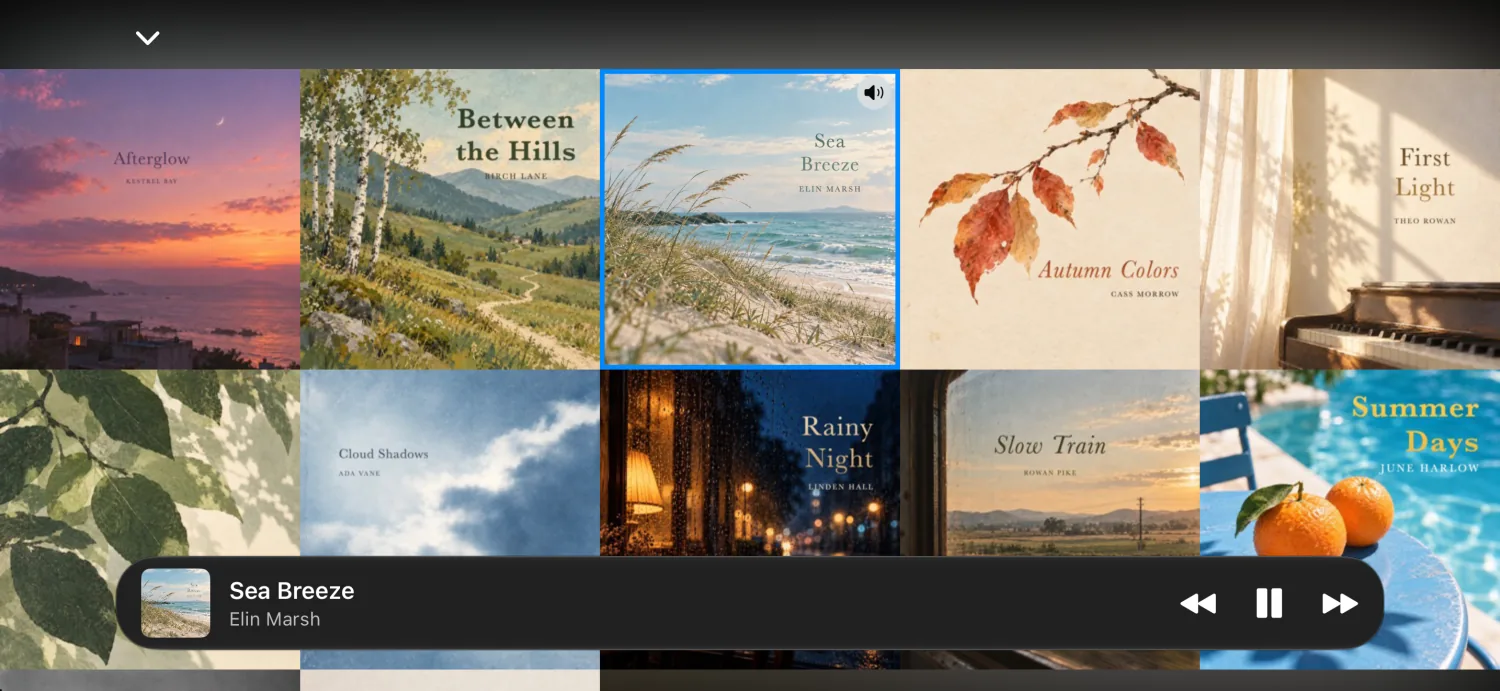
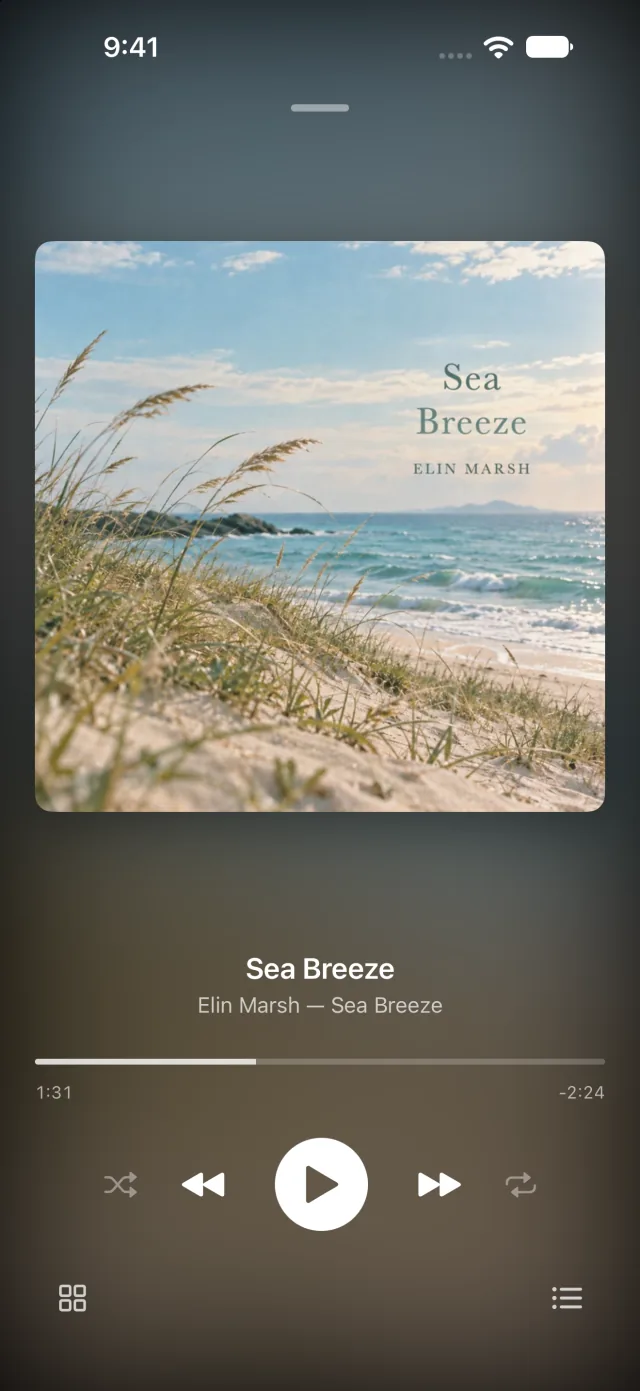
FLAC, APE, ALAC, DTS and more play as they are. Browse your albums as a wall of covers, keep the mini player at hand, shuffle or repeat, and keep listening in the background. A Home Screen widget shows off your album wall.
Picture in Picture
Keep watching in a small window while you do something else.
Motion+
Adds frames between frames so pans and action look smoother. On supported devices.
Continue watching
Apus remembers where you stopped and picks up from there next time.
Wi-Fi transfer
Upload or download files from any computer on the same network, right in its browser.
Drives, servers, iCloud
Play from USB drives, external disks, SMB servers and iCloud Drive without copying first.
Contact sheet
One tap makes a grid of stills with format, resolution and bitrate. Share it or save it to Photos.
From your Mac
Drag videos or whole folders onto Apus in Finder. Or open any video with Apus from the Files app or the share sheet.
Make it yours
Dark Mode, accent colors, progress bar styles and app icons.
iPhone and iPad
One app for both, with a sidebar on iPad.
Privacy
Your videos stay yours.
Apus doesn't collect any data. No account, no ads, no analytics. Your media, watch history and thumbnails stay on your device.
Support
Questions? Just write.
Found a problem or have an idea? Email the developer. In the app, Settings › Send Feedback adds your Apus version and device model to help look into it.
Apus is made by an independent developer. Playing your videos and music is free, with no ads. Apus Pro adds unlimited Motion+, Brightness+ and contact sheets, more accent colors and app icons — and keeps Apus going.